Table Of Contents
Comprehensive Outline
Why Are Homeowners Hesitant About Robotic Lawn Mower Installation?
-
Complicated setup manuals
-
Buried wires and tools
-
Wi-Fi or app syncing issues
-
Doubts about whether it works on uneven terrain

The 3-Step Yarbo Robotic Lawn Mower Installation Process
Step 1: Unbox and Position the Mower Base Station
-
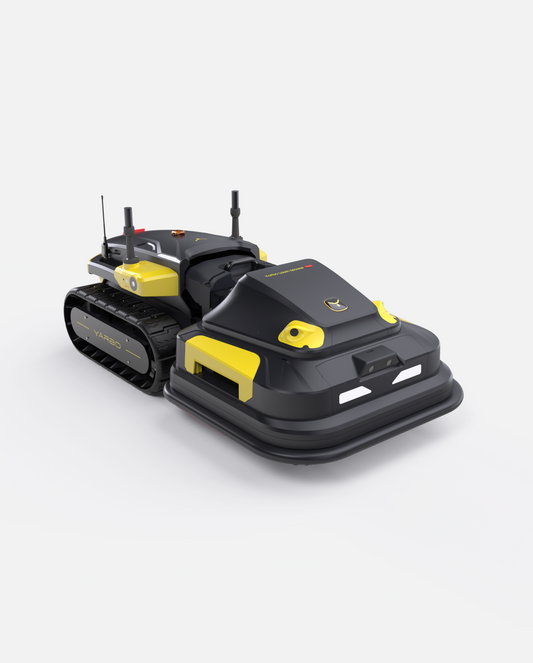
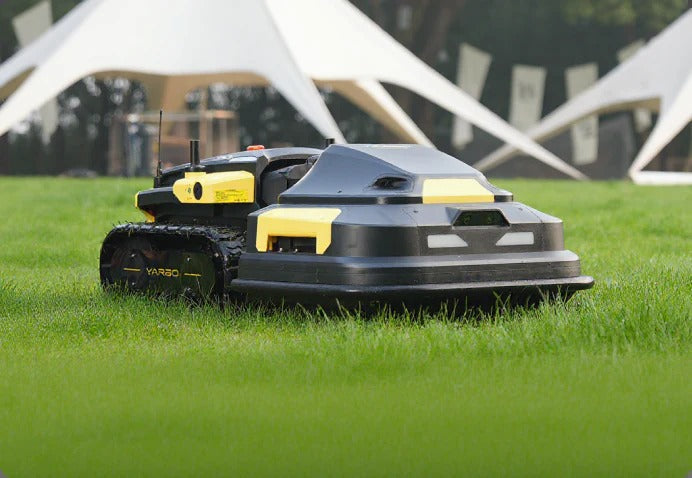
The Yarbo smart mower
-
Charging dock
-
Power adapter
-
Quick-start guide
Place the base station on flat, dry ground near a power outlet. That’s it—no digging, no perimeter wires unless desired.
Step 2: Connect to Yarbo App and Configure Settings
-
Pairing with Bluetooth/Wi-Fi
-
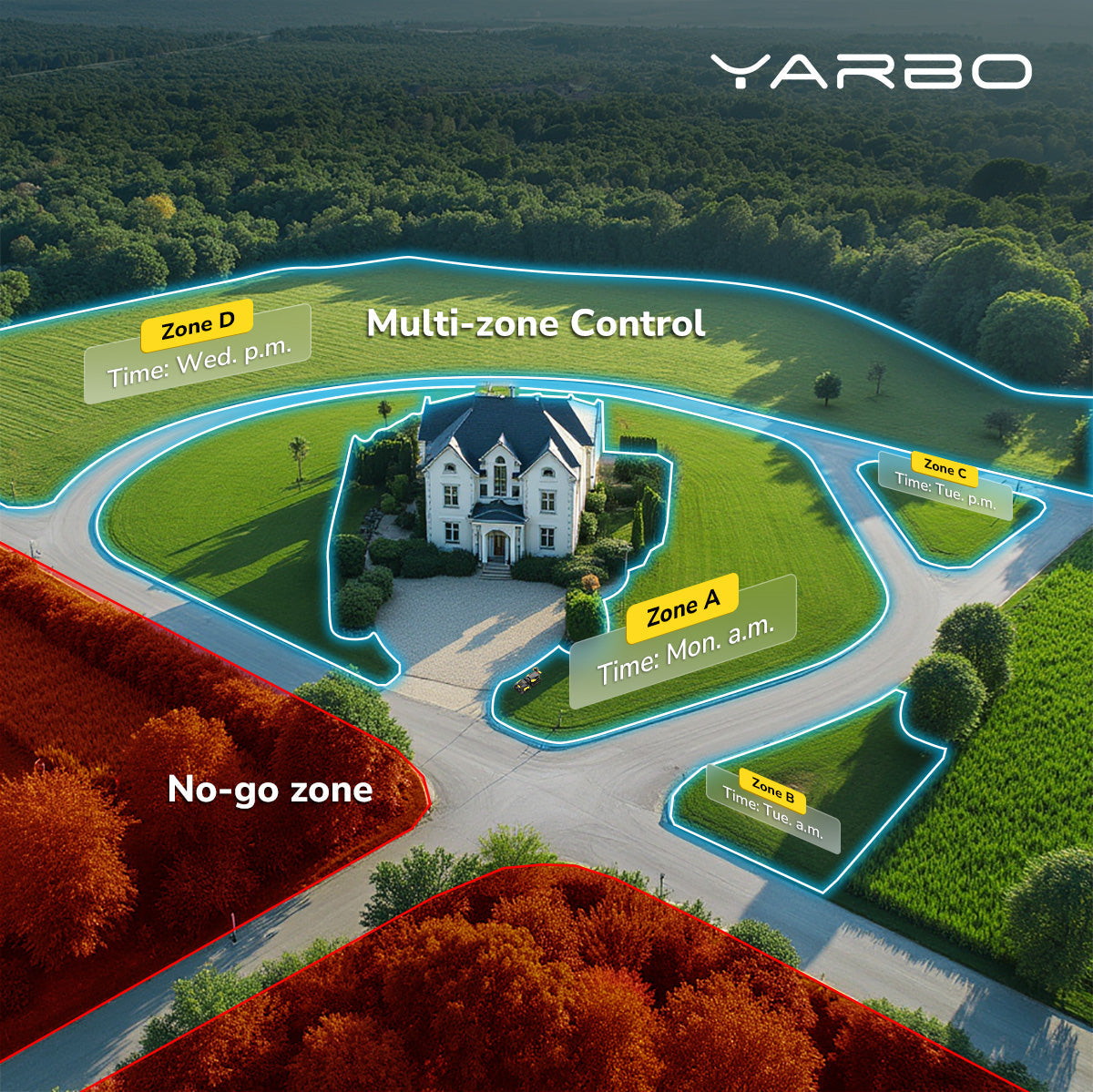
Setting mowing zones
-
Adjusting blade height and schedule
Step 3: Test Run and Adjust Cutting Zone
What Makes Yarbo’s Easy Installation Process Unique?
| Feature | Yarbo Smart Mower | Traditional Mowers |
| Perimeter Wire Required? | No | Yes |
| App-Based Setup | Yes (Intuitive) | Sometimes Complex |
| Slope & Obstacle Detection | Advanced sensors & GPS | Limited |
| Installation Time | Under 30 minutes | 2-3 hours |
-
No Groundwork Required: Setup is done digitally via the Yarbo app, allowing you to map and adjust mowing zones with your smartphone—no need for manual boundary wire installations.
-
Precise Mowing Paths: RTK-GPS provides centimeter-level accuracy, ensuring Yarbo mows efficiently without missing edges, even on large, complex yards.
-
Flexible Boundary Adjustments: Want to change your mowing area? Simply adjust it in the app without digging up wires.
-
Fewer Maintenance Issues: Traditional wired systems can be damaged by pets, gardening tools, or weather, leading to service calls and reinstallation costs. With Yarbo’s RTK-GPS, these issues are eliminated.
-
Ideal for Large Yards: Wired systems struggle with boundary length and terrain complexity, while Yarbo’s RTK-GPS system seamlessly covers large acreage without signal drop or mapping issues.
Can You DIY or Should You Use Yarbo's On-Site Installation Service?
-
Brings and sets up the unit
-
Connects and calibrates it to your yard
-
Trains you on using the app
Common Mistakes in Robotic Lawn Mower Installation and How to Avoid Them
-
Poor Base Placement – Avoid placing the base on slopes or near sprinklers.
-
Skipping Software Updates – Always install the latest app version before syncing.
-
Incorrect Mowing Zone Settings – Use the app map to draw accurate boundaries.
-
Interference from Metal Objects – Keep mower away from underground cables or large metallic items.
Real-Life User Experiences: How Easy Was It Really?
What to Expect After Installing Your Yarbo Smart Mower
Lawn Health Benefits
-
Consistent cuts keep your grass healthy
-
No more soil compaction from heavy gas mowers
-
Reduced risk of overgrowth and pests
Smart App Features You’ll Love
-
Real-time mowing stats
-
Remote scheduling
-
Auto weather-detection
-
Zone customization
-
Firmware upgrades with a single tap

Final Thoughts:
Is Yarbo's Robotic Lawn Mower Installation Right for You?
Yarbo Installation FAQs
-
Does Yarbo require perimeter wires like other mowers?
-
Can I install it in a yard with slopes or uneven ground?
-
What if I don’t have Wi-Fi outside?
-
Is the app compatible with iOS and Android?
-
What if I move to a new house? Can I reinstall it?


Private group · 33.0K members